Photo dump in.XactContents out.
Kevin turns a folder of photos into a complete, priced personal-property inventory — for adjusters settling contents claims and estate professionals cataloging a home. It triages the dump, identifies each item, prices it against live retail comps, and writes the spreadsheet your carrier already accepts.
What makes a photo Kevin can price
Nothing is ever rejected — a frame Kevin cannot read comes back as a blank, editable price instead of a guess. These four are real captures from real claims.
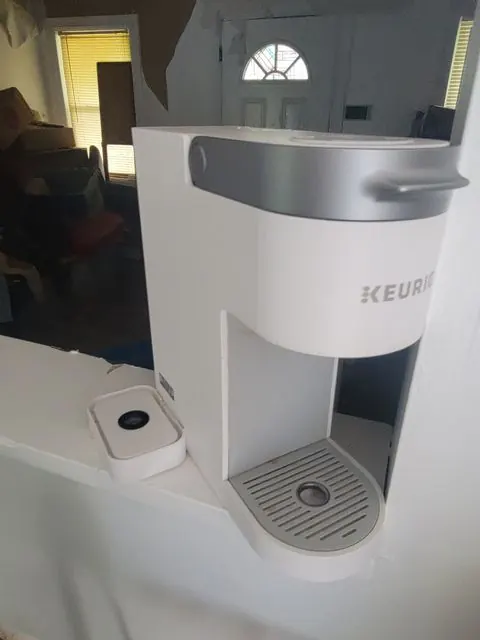 Do this
Straight on, brand in frame
The badge on the front is readable, so the make lands on the first pass and the model follows from it.
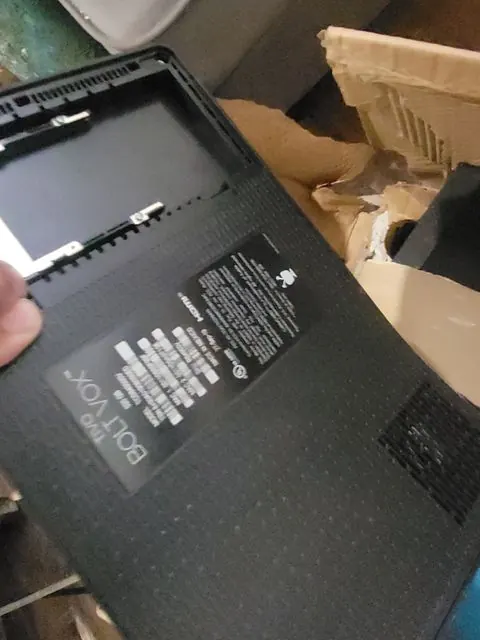 Do this
Close enough to read the plate
One extra frame of the model plate settles the exact model. Kevin folds it into the same line as the wide shot.
 Not this
Blurred by movement
Nothing on the carton can be read, so the line comes back unpriced with an empty cell for you to fill in.
 Not this
Several items in one frame
Kevin reads one item per photo. A planter, a framed picture and a cabinet in one frame produce one line, not three.
Intake to export, end to end.
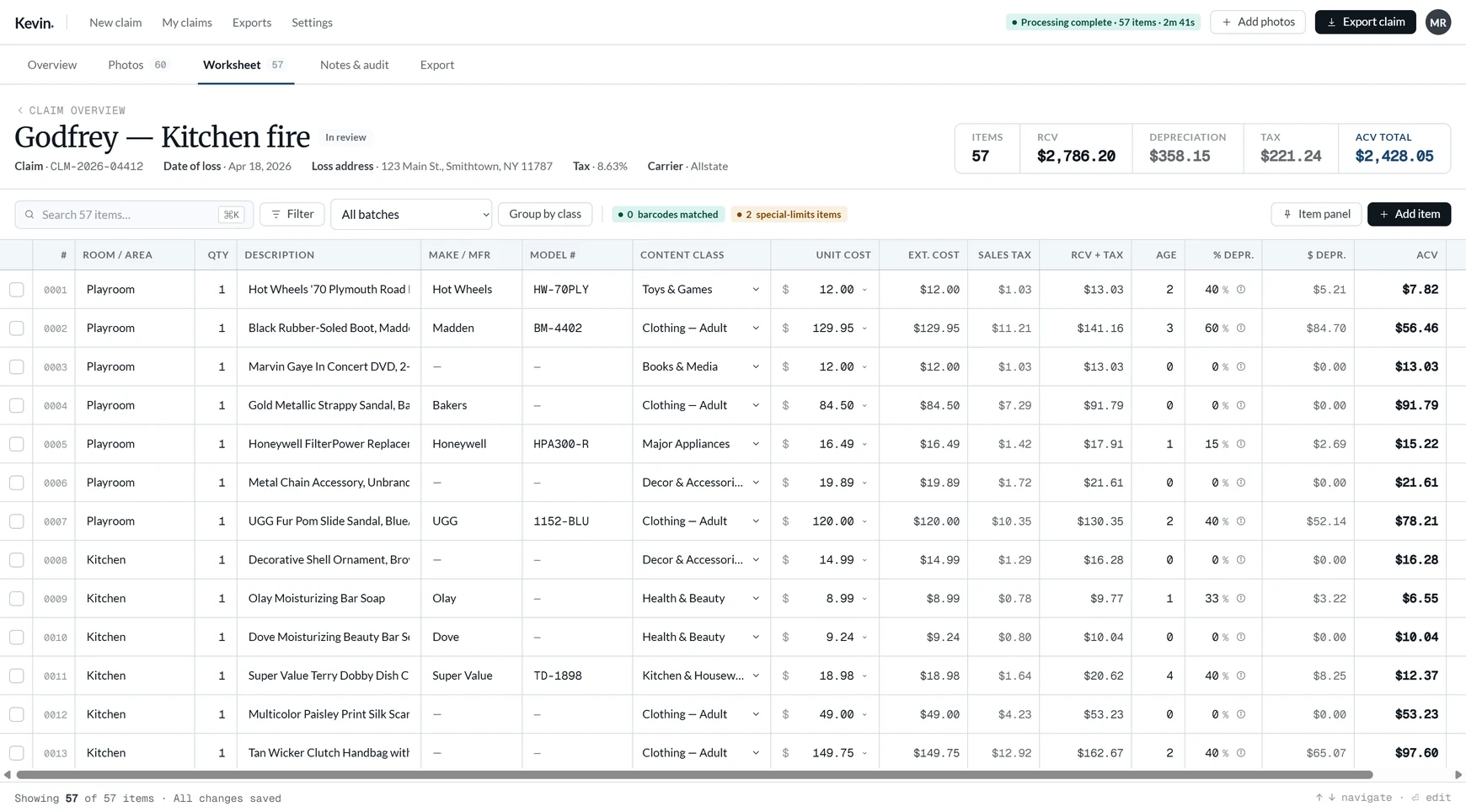
The whole claim lives on five screens. Here is what each one does — and the review worksheet is open to anyone, no account needed.
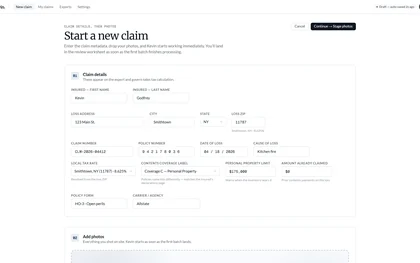
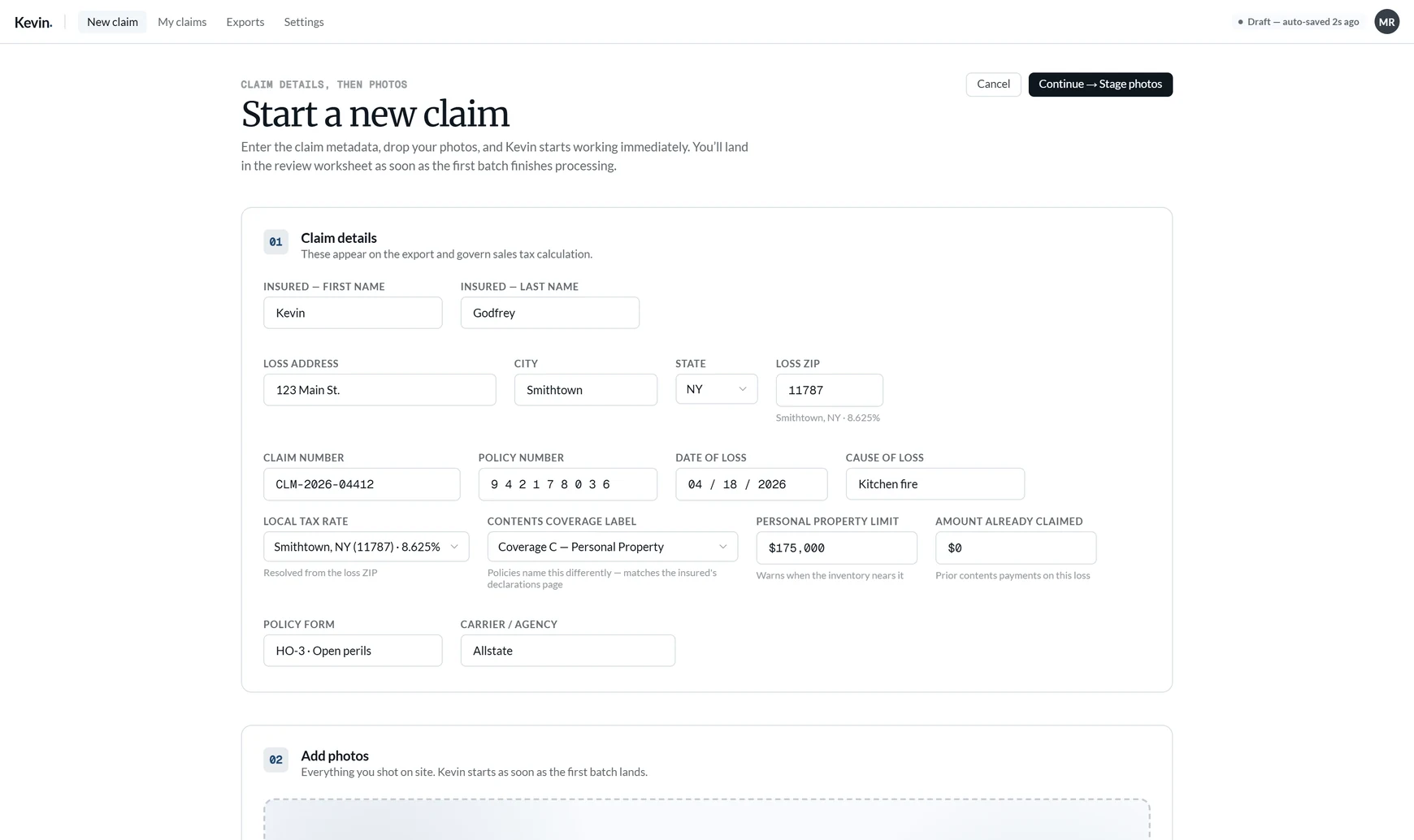
Claim and policy details, the contents coverage limit, and a loss ZIP that resolves the sales-tax rate. One short form, then straight to the photos.

Drop a folder, a phone dump, or a whole .zip — no total-size cap. Duplicates are hashed out, and shots taken seconds apart are grouped into one set — merge, split, or exclude before anything is identified.
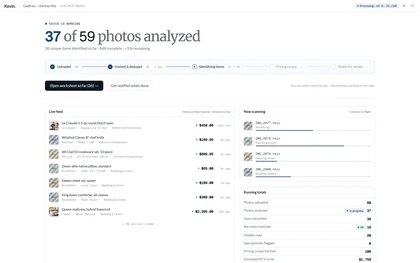
Item, make, model number, content class. Live comps per item, and the replacement cost is the price of one of them rather than a blend, with the Source Link pointing at that listing.
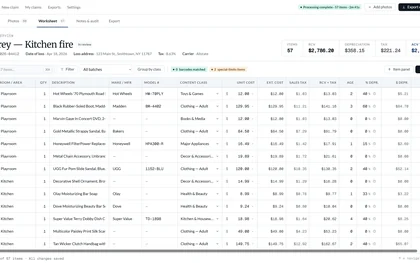
One grid, every cell editable. Pin the item panel to see the source photo and comps beside the row. Special-limits flags, room filters, class grouping.
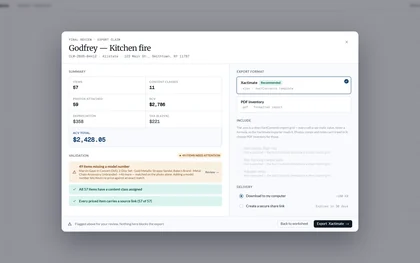
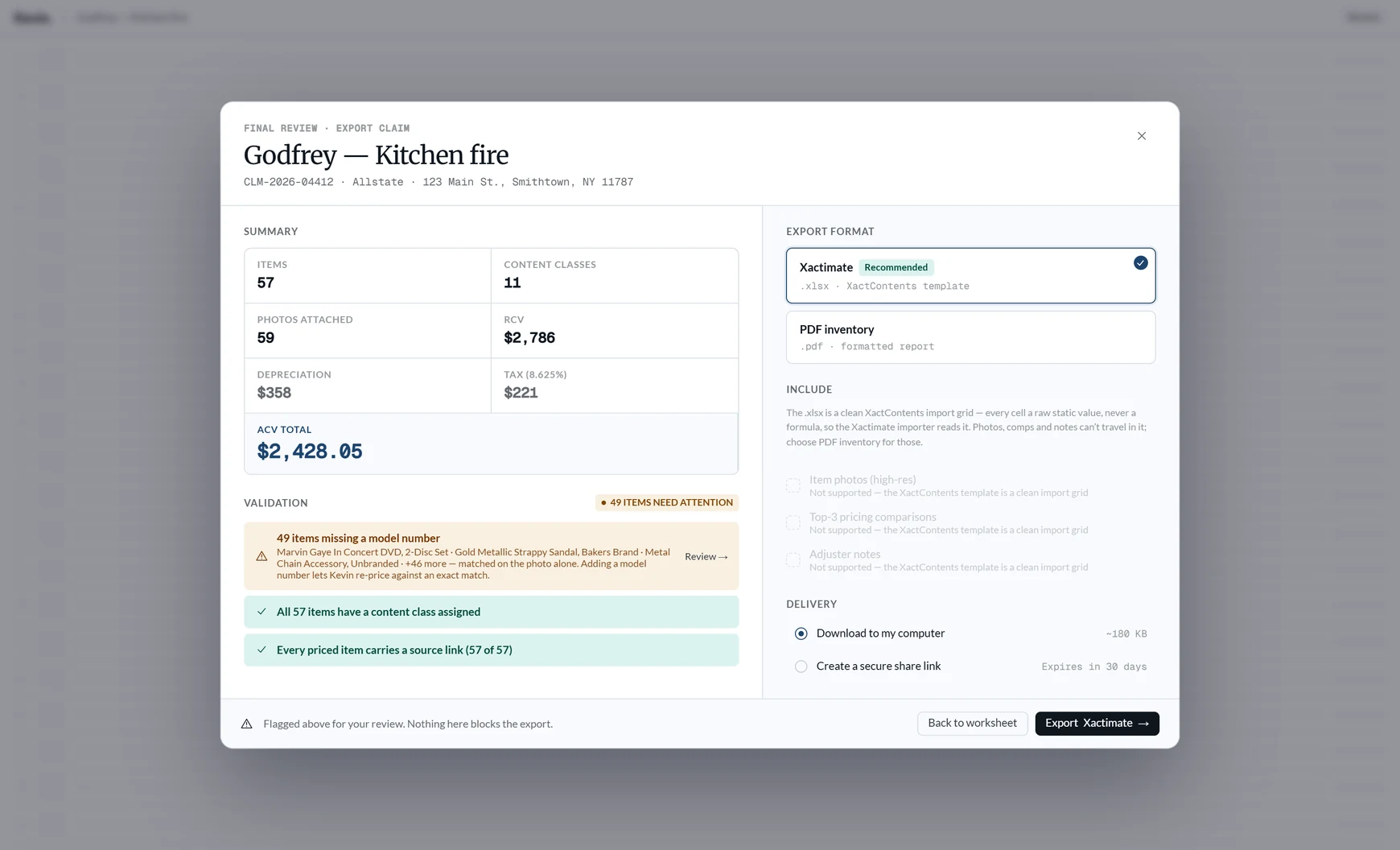
The XactContents spreadsheet for claims, a client-ready PDF for estate sales, or the whole bundle with photos and the audit log.
One short form, then the photos.
Claim and policy details, the contents coverage limit under whatever name the policy gives it, and the loss ZIP — which resolves the sales-tax rate so every line carries the right tax without anyone looking it up.
- Contents limit carries the policy’s own label, never a hardcoded coverage letter
- Loss ZIP sets the tax rate — 8.625% on a Smithtown claim, applied per line
- Takes a minute; everything after it is review, not data entry

Processing runs unattended. Exporting takes one click.
Items resolve into the grid as Kevin identifies them. The file lands in XactContents without reformatting.
Every price has a receipt.
Every priced line carries a dated link to the comp the price came from, and the audit log records who changed what, and when. Months later — at supplement, at reinspection, at the call where someone questions a number — you can show your work without remembering a thing.
Try it on a real claim.
Your first 250 line items are free, with no clock running. $249/mo after that — unlimited claims, 2,000 line items a month included, no per-seat fee.